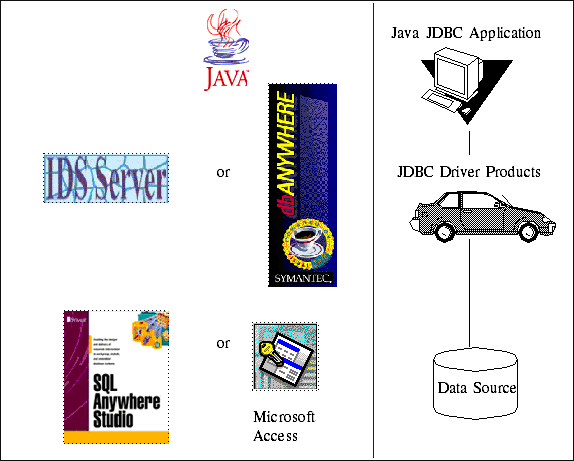
The following is a simple java application that connects to two different databases (MS Access & SQL Anywhere) using JDBC Drivers from two Different vendors (Symantec & IDS Software ). Running the program requires that you have MS Access and SQL Anywhere installed, as well as both the Symantec DB Anywhere and the IDS Software IDS Server JDBC drivers. Trial versions of SQL Anywhere, DB Anywhere and IDS Server can all be downloaded from the vendor links above. Just run the EXE files in all cases and accept the defaults.
Once all the software is installed, make sure your CLASSPATH includes the DBAW.ZIP file for the DB Anywhere driver and the IDSServer/classes directory for the IDS Server driver. You will also need to set up ODBC System DSN's for the two databases. Set up a System DSN named "nwind" pointing to the nwind.mdb that ships with MS Access, and set up a system dsn named "sybase" pointing to the sample database that comes with SQL Anywhere ("Program Files\Sybase\Adaptive Server Anywhere 6.0\asademo.db" , if you installed to the default directory). When setting up the SQL Anywhere DSN use "dba" & "sql" for the User ID & password.
Once the java classes have been compiled, you are ready to give it a try.
Selecting each vendor at the top, will change between using the DB Anywhere Server and the IDS Server. Pressing the "MS Access" button at the bottom will use the selected driver to access the Northwind Employee table while pressing the "SQL Anywhere" button will access the Employees sample table that comes with SQL Anywhere.
Here is the code:
DBConnect.java - This is the interesting JDBC code.
jdbcxmpl.java - This is the less interesting GUI code.
| DS420 Projects Home | JDBC Project Home |